來源:http://xlii.be/2011/10/how-to-get-ic...work-together/
重點節錄:
How to hack iCloud Control Panel for Windows to run in Windows XP
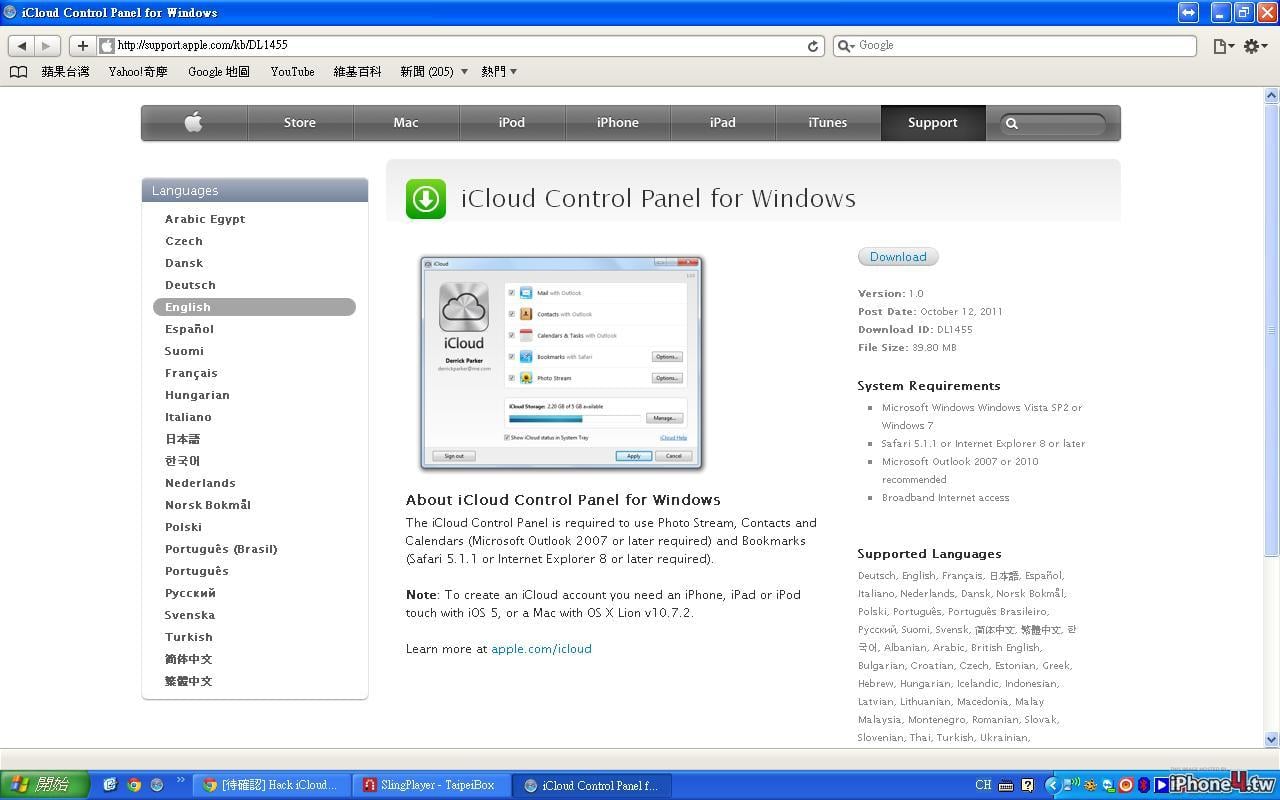
There’s a simple hack I found here to get the iCloud Control Panel for Windows to work on XP. I have got this running fine on Windows XP and Outlook 2010 (for the moment anyway). This gives me synced access to Contacts, Calenders, Reminders and Bookmarks. It also can be used to set up your me.com mail as above:
Requirements:
iTunes 5.10
Unpacking program e.g. 7-Zip or WinRar
Orca MSI editor http://www.technipages.com/download-...si-editor.html
The iCloud setup hack for Windows XP:
1. Download iCloud Control Panel for Windows http://support.apple.com/kb/DL1455.
2. Open iCloudSetup.exe file with WinRar or 7-Zip and extract.
3. Navigate to and open the iCloud.msi or iCloud64.msi (for 64bit systems) with Orca.
4. In the left table select LaunchCondition. Then change in the right table “VersionNT> = 600” to “VersionNT> = 200” and Save.
5. Run modified iCloud.msi and install.
6. Run iCloud Control Panel, located in the Windows Control Panel, and set up as you want.
And you’re done.
目前我在公司電腦試的結果是已經在控制台出現了iCloud,但因為沒有用outlook 2007以上,所以Mail, contacts和 canlendars被disable了,無法選取,我認為是正常的。
Bookmark可以勾
但Photo stream也被disable了,想請問有用過成功的人指教一下,或有同樣需求的人一起幫忙試一下,謝謝大家